

Intercom Systems in NYC Buildings: Repair, Upgrade, or Replace?
Every New Yorker knows the ritual: a visitor leans on your buzzer, you press the button that is supposed to let them in, and then you both stand there listening to static and hope. The intercom is the most-used, least-loved machine in a residential building — pressed hundreds of times a day, exposed to weather at the front door, and usually older than half the tenants.
When it finally acts up, someone has to answer a genuinely tricky question: repair the thing, upgrade part of it, or rip it out and start over? I get called into buildings across the boroughs for exactly this conversation, so here is how it actually goes when the salesman is not in the room.
Why building intercoms fail
Intercoms rarely die of one dramatic cause. They erode:
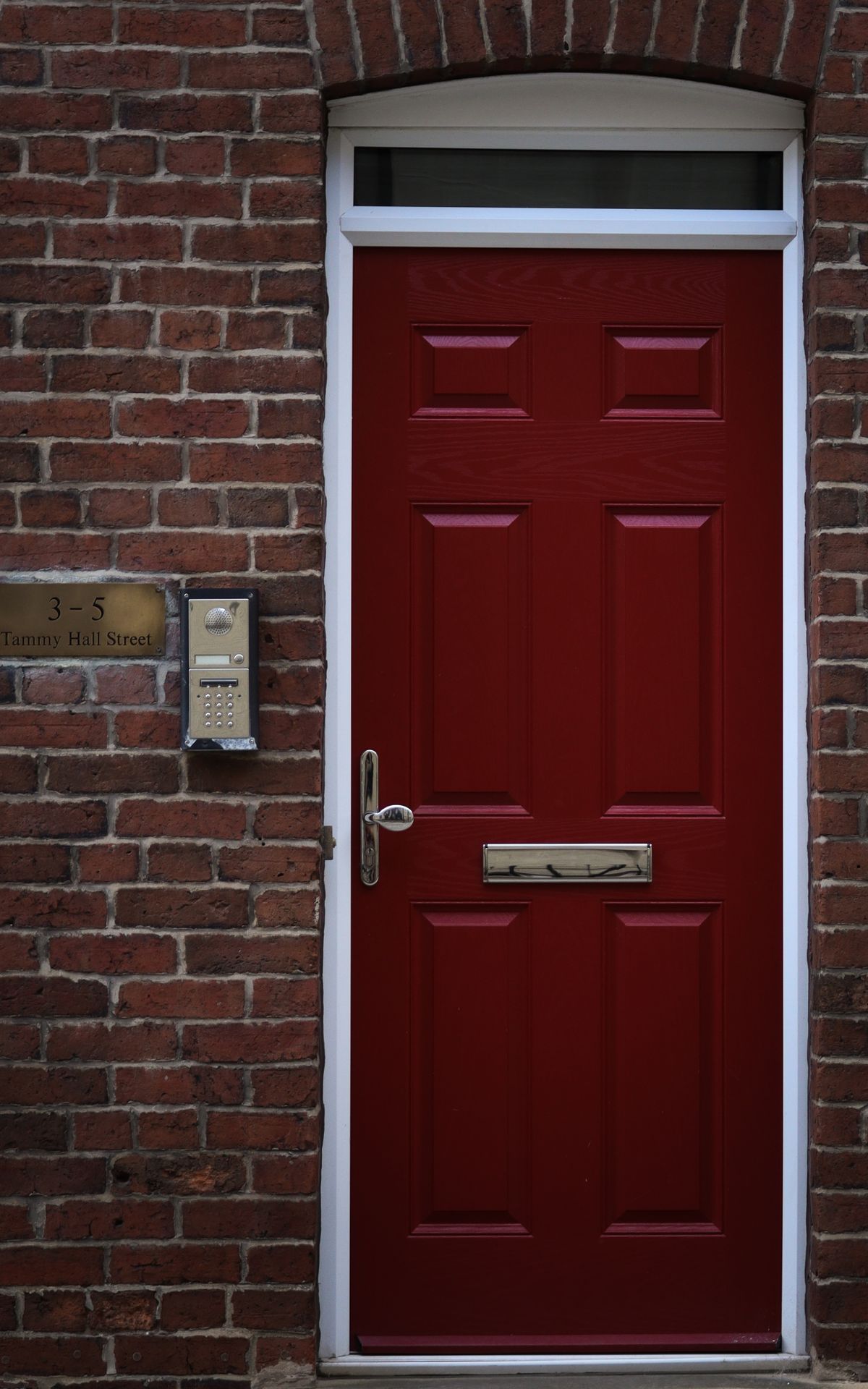
- Weather at the panel. The street-side unit lives outdoors. Rain finds the gaskets, winter freezes the button contacts, sun cooks the speaker. The panel is almost always the sickest part of the system.
- Wiring fatigue. Decades-old risers get spliced, painted over, nicked by other trades, and chewed by renovations. Crackle on some floors but not others usually points here.
- Apartment-side neglect. Handsets get yanked off walls, buttons jam with paint, tenants unplug what they do not use. One dead handset can sometimes drag a shared line down with it.
- The door release itself. The electric strike — the part that actually unlocks the door when you press the button — wears mechanically like any lock part. Half of “the intercom is broken” calls are really this.
- Power. Transformers and supplies hum along for years in a basement until they quietly stop. Cheap to fix, miserable to diagnose from the lobby.
Repair or replace: how we actually decide
The honest framework is simpler than vendors make it sound. We ask three questions. First: is the backbone wiring sound? If the risers test clean, almost any symptom — dead panel, crackling audio, a floor that never rings — is repairable at the component level, and repair is usually the rational choice. Second: do parts still exist? Some legacy systems are so orphaned that every fix means cannibalizing another building’s leftovers; that is a system on borrowed time. Third: what does the building actually want? If the answer includes video, phone notifications, or per-unit logs, no amount of repair gets you there — that is an upgrade conversation, and it should be planned rather than improvised after a failure.
A pattern worth naming: buildings often replace a whole system because one visible part failed, when the panel alone — the weather-beaten piece — could have been swapped against the existing wiring. The reverse mistake also exists: pouring repair visits into a system whose wiring is the real patient. A diagnosis before any decision pays for itself in either direction.
What a diagnosis visit actually looks like
So the recommendation is not a mystery box: a proper visit works the chain in order. The street panel comes off the wall first — corrosion, water tracks, and burnt contacts tell their story quickly. Then the power supply gets measured under load, because a tired transformer mimics a dozen unrelated faults. Then a sample of apartment lines is tested from both ends to separate riser problems from handset problems. And the door release gets exercised on its own, bypassing the intercom, to prove which side of the system is failing. An hour of that beats a year of guessing, and it ends with a specific list: what is dead, what is dying, and what is honestly fine.
Audio, video, and smartphone-based systems compared
- Classic audio is the workhorse: buzz, talk, release the door. Fewest parts, longest field history, easiest to keep alive. If the building’s only complaint is age, a modern audio system is still a legitimate choice.
- Video intercoms add a camera at the entrance and a screen (or phone app) upstairs. Tenants see who is buzzing before releasing the door — a real security upgrade, not a gadget, especially for buildings with package theft or tailgating problems.
- Smartphone-based systems route the doorbell to residents’ phones, sometimes with no in-unit hardware at all. Powerful for buildings without wiring risers worth saving — and dependent on internet service, management of a software platform, and tenants who keep apps installed. The building trades copper problems for network problems; sometimes that trade is excellent, but it is a trade.
What building owners and boards should ask before signing anything
- Does the proposal reuse existing risers, and what happens if they test bad mid-project? Get the contingency in writing.
- Who stocks parts, and for how long? A system nobody can service in five years is a future rip-out with extra steps.
- What exactly happens at the door hardware? Which strike or release is specified, and who is responsible when the door itself needs work — the intercom vendor or a locksmith?
- How do tenants without smartphones use it? A building is not a startup; the system has to work for every resident.
- What is the failure mode? If the platform goes down, does the front door stay secure, and can staff still manage access?
The walk-up special: living with no intercom at all
Plenty of smaller buildings quietly gave up years ago: the panel is a taped-over relic, visitors call cell phones from the stoop, and someone treks downstairs for every delivery. It works, in the way New Yorkers make things work — but it usually means the front door lock is carrying the entire security load, and often it is the most neglected lock in the building. If a full intercom revival is not in the budget, two smaller moves still pay off: restore the door release circuit so the door can be buzzed from at least one unit or the super’s line, and put real hardware on the entry door itself. A building can live without a speaker at the door. It should not live with a lock that no longer latches.
Intercoms and door hardware: why they must work together
Here is the part vendors skim past and locksmiths live in: the intercom does not open the door. The lock does. The buzzer merely asks an electric strike or release to let go for a few seconds. If the door sags, the closer slams, the strike is misaligned, or the door and frame have drifted out of square, tenants will report a broken intercom no matter how healthy the electronics are. We see freshly installed systems blamed for problems that are entirely mechanical — and mechanical repairs billed as electronics because nobody looked at the door.
The practical advice: when an intercom misbehaves, have someone check the release, the strike alignment, and the closer along with the wiring. That is standard commercial locksmith territory, and it is often the cheapest fix on the whole list. If you are not sure which side of the line your building’s problem falls on, describe the symptoms through our contact form — hallway rumors optional — and you will get a straight answer about which trade you actually need.
An intercom done right disappears into the building’s routine: visitors buzz, tenants answer, the door clicks open exactly once per press. Getting back to boring is the whole project. Whether that takes a new gasket or a new system, the path starts with an honest diagnosis, not a brochure.
Written by Mykhailo — NYC DCWP-licensed locksmith, FixMate Locksmith. Serving all five boroughs, around the clock.
Intercom acting up in your building?
Request a quote · Commercial locksmith service
Price named and confirmed before any work starts. No surprises at the door.